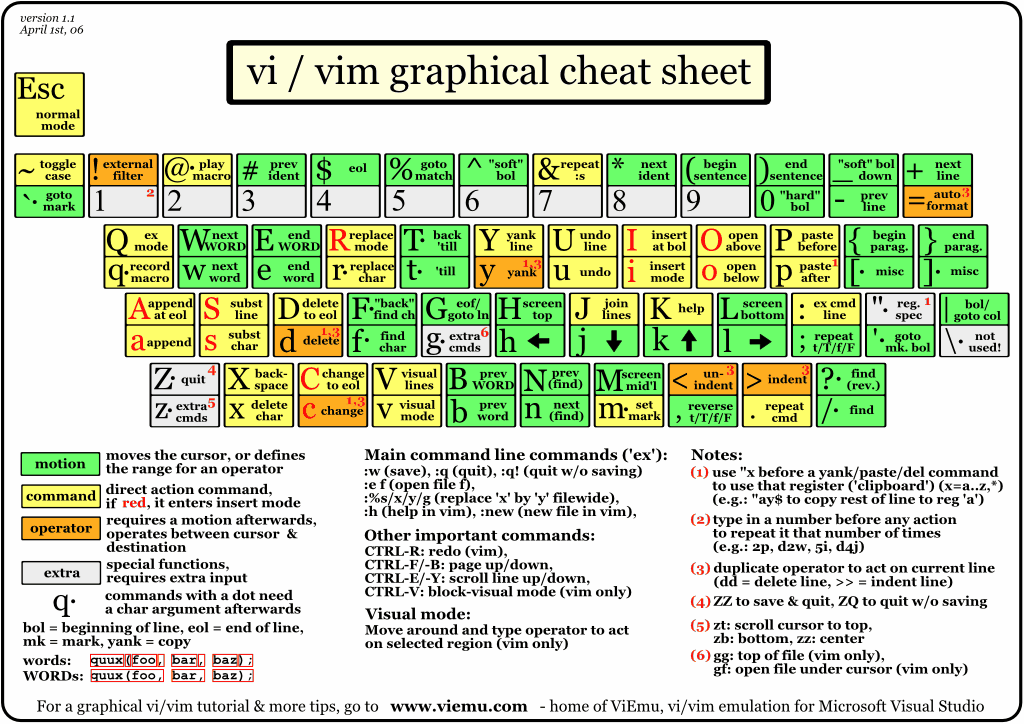
Vim
From Devpit
Contents
Formatting Text
Formatting between marks
If you have two marks, say a and b, then to format the code between the two marks do:
:'a,'b!fmt
To add arguments such as column width do the following:
:'a,'b!fmt -40
Formatting by paragraph
Vim delineates paragraphs based upon empty lines e.g.
This is paragraph number one.

This is paragraph number two.  Notice the space between them.
To auto format a paragraph place the cursor on a line in the paragraph and type the following:
gqap